EmberLog Support
Design Philosophy
Discipline over dopamine.
This app is designed to help you build consistent exercise habits through simple, friction-free logging. No gamification, no streaks, no guilt. Just honest tracking of what you do.
How to Use
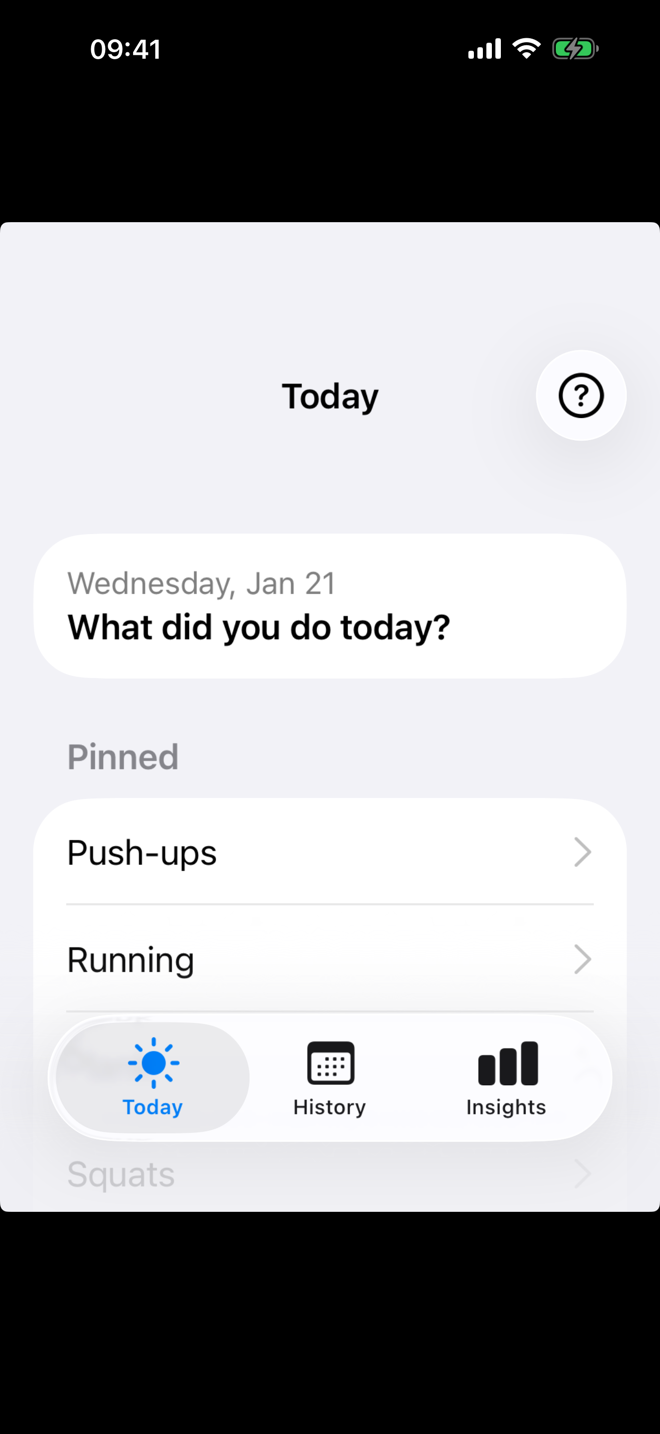
Log Activity
Tap to quickly log any exercise. Select from your activities and enter duration, distance, or count.
Add Exercise
Create and manage your exercise types. Set default values and pin your favorites for quick access.
Create Workouts
Build reusable workout routines by combining multiple exercises. Great for circuit training or daily routines.
Create Tags
Organize exercises with tags like ‘Core’, ‘Cardio’, or ‘Aikido’. Filter your insights by tag to see category-specific progress.
History
The History tab shows all your logged activities organized by date. Tap any entry to edit it. Swipe left to delete or swipe right to duplicate an entry for quick re-logging.
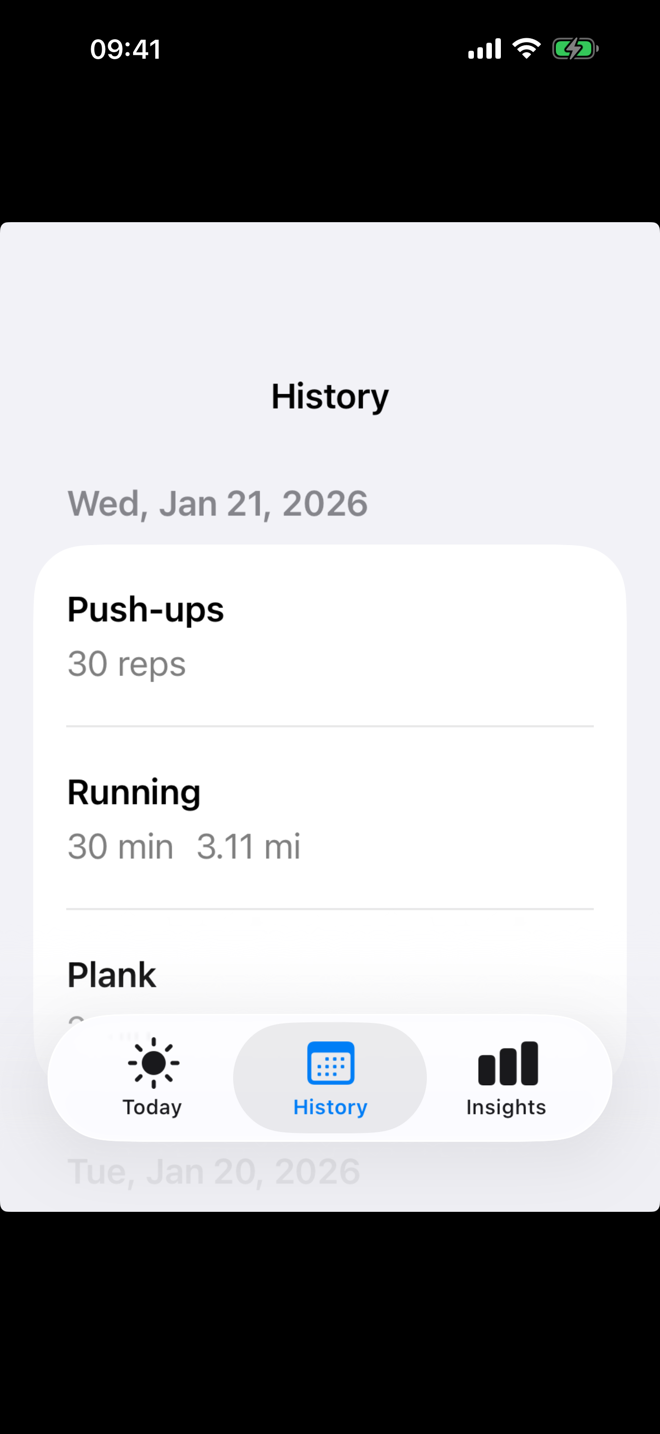
Use History to review what you’ve done, make corrections, or spot patterns in your training.
Insights
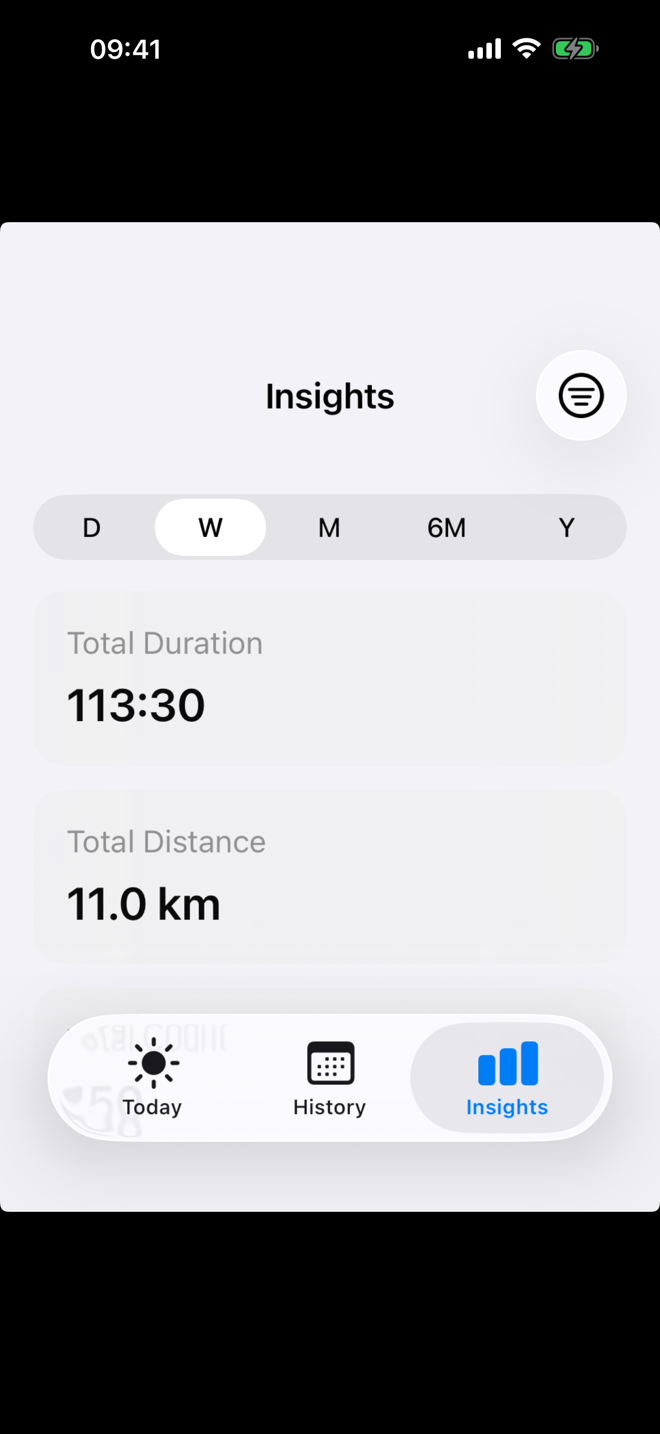
The Insights tab helps you visualize your progress over time. Use the time range buttons (D/W/M/6M/Y) to adjust the view period.
Filter by Activity
Tap the activity filter to focus on a specific exercise and see detailed stats for just that activity.
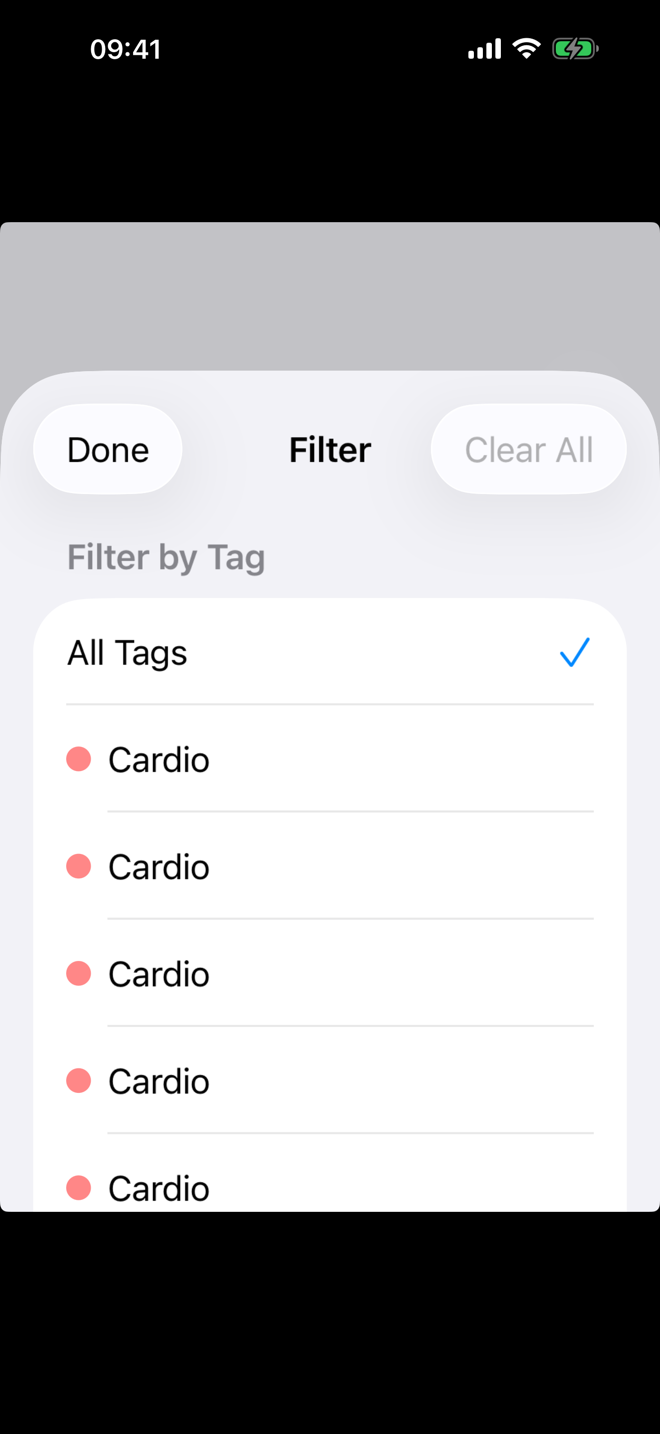
Filter by Tag
Filter by tag to see combined progress across related exercises. Great for tracking overall ‘Core’ work or ‘Cardio’ sessions.
The chart shows your activity frequency, helping you identify consistent habits and gaps in your training.
Tips
- Pin your most frequent exercises for one-tap logging
- Swipe left on an entry to delete, swipe right to duplicate
- Add external URLs to exercises for workout instructions
- Use the Insights tab to track your progress over time
Backup
This app does not explicitly back up to iCloud. If you want your data to be backed up, you must back up your phone.
Translations
Non-English translations were generated using AI. We apologize for any inaccuracies. If you have suggestions for better translations, please let us know.